GR User Forum

The spot for all Ricoh GR camera users

Register for free, meet other Ricoh GR users, share your images, help others, have fun!

Tell your friends about us!

Blur the photo - fore & background how?

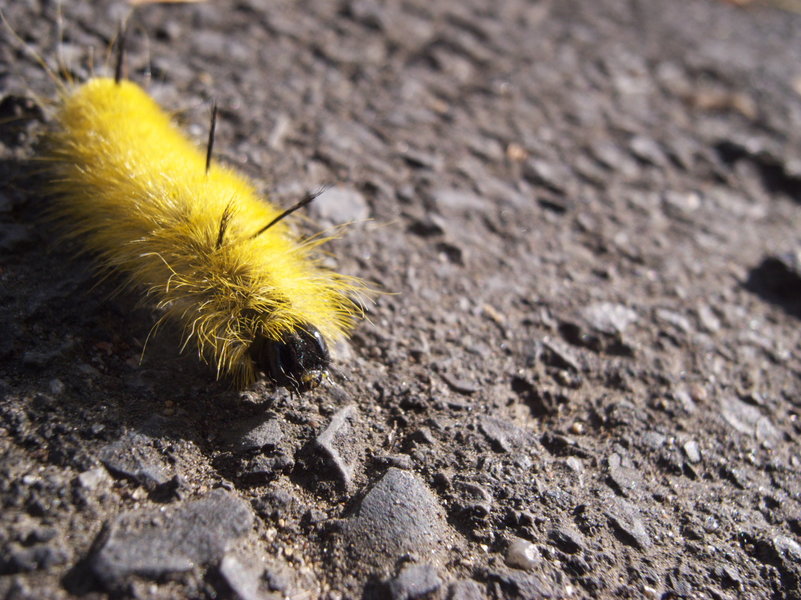
I'm afraid, this is kind of effect is very hard to achieve with small sensor cameras, or better said, impossible outside the Macro mode. This is the price we pay for huge depth of field which is both good and bad. It's good, because we don't have to care much about focusing and it's bad because we cannot play with out of focus rendering outside the macro mode or at very short distances around 1m.

As a R/CX user you have just one option. Zoom the lens as much as possible and be very close to the photographed subject. In this way you can create a bit of this effect. But don't expect miracles, because the R/CX aperture starts at f5.2 at tele end and the small sensor does not help much here.
 
You can do it in photoshop, there are tutorials all over the web. I know Alien Skin makes a program called Bokeh, that has all kinds of effects too.
 
What you need is telephoto lens with a very shallow depth of field. About the exact opposite of what most compact camera designers are making. They use a deeper depth of field to help cover up less that perfect results in autofocusing. Another important point about compact cameras is the size of the lens. If you want shallow depth of field you need a fast lens. Faster lenses are BIGGER that you would ever see in this sort of camera. While the current crop of zooms easier to find, look at some of the prime lenses out there, old or new. 85/1.8, 180/2.8, these are large lenses that would dwarf a GRD/GX.

Perhaps you might be able to get this sort of shot with the 40mm adapter and a GRD but I'm not sure. Our fearless leader is right, if you go macro you can do this. I've got a mosquito shot from my GX100 this summer that does not have the highlights but does have very shallow depth of field that if the lighting/background were right would yield that sort of result.

There always is the PhotoShop answer but I don't even like automatic cameras so I'm not going there.

Try some stuff and see what you can do, post your results. Remember you need highlights in the background to get some fancy out of focus areas. Share your results and thoughts.

B2 (;->
 
Small cameras require small streets ;-)
 

Attachments

  • snailstreet.jpg
    snailstreet.jpg
    262.5 KB · Views: 538
Back
Top